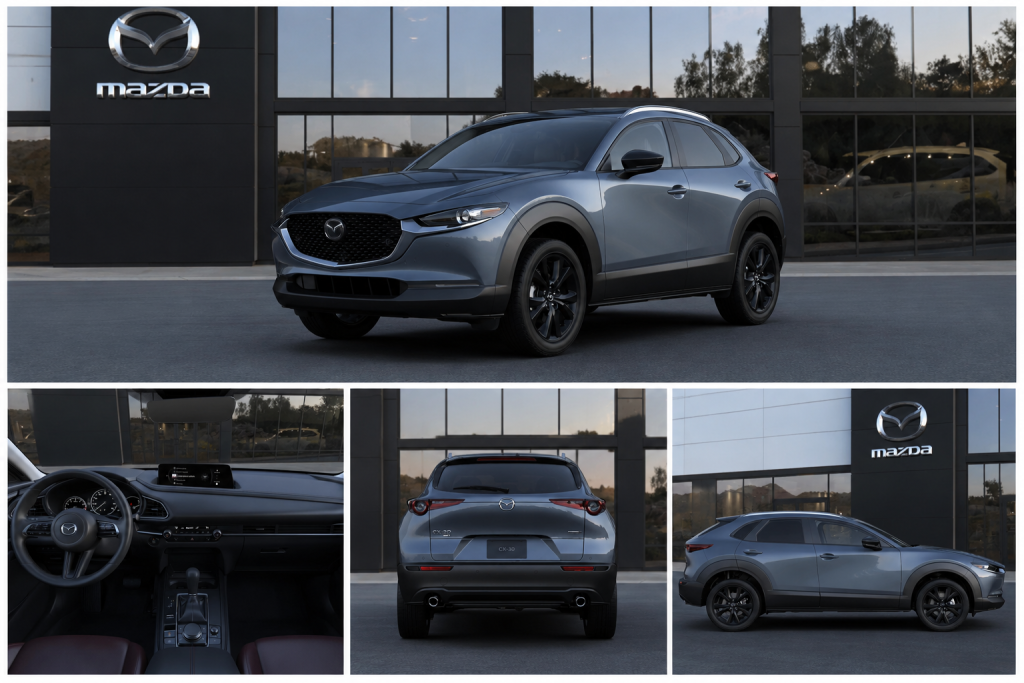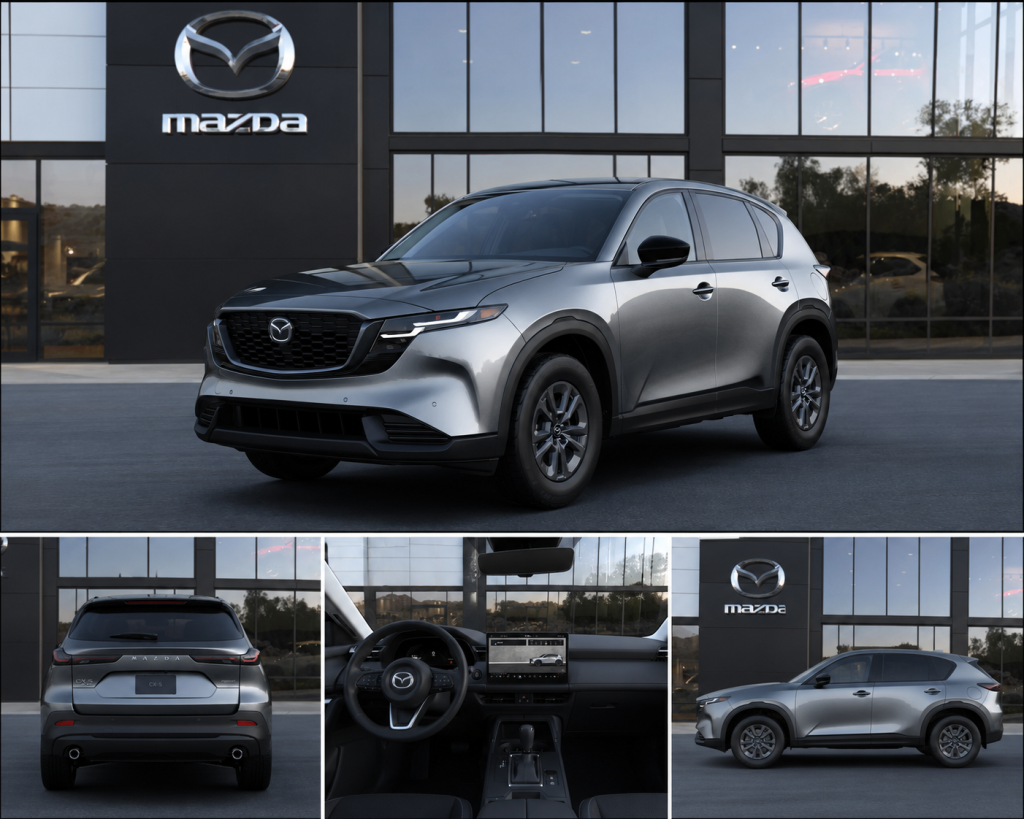
If you've been shopping the 2026 Mazda CX-5 and reading reviews, you've likely noticed a major change: Mazda has significantly reduced the number of physical buttons and knobs in the redesigned cabin. Climate functions and on-screen volume controls are integrated into the touchscreen, while volume and other media functions also remain accessible through steering-wheel controls. For a brand that built its reputation partly on driver-focused, tactile interiors, this is a significant change.
Here's exactly what changed, what Mazda says about it, and whether it's actually a dealbreaker for everyday driving.
What Specifically Changed From the 2025 to the 2026 CX-5?
The 2025 Mazda CX-5 interior was widely praised for its physical controls. Two knurled metallic knobs flanked the center display for climate. A Commander rotary control knob between the seats handled infotainment and navigation. Rows of physical buttons handled audio and HVAC functions. Some reviewers preferred the previous CX-5’s more physical control layout and have criticized the redesigned touchscreen-heavy interface.
The 2026 Mazda CX-5 replaces all of that with:
A 12.9-inch touchscreen standard, while the 15.6 inch display is exclusive to the 2.5 S Premium Plus trim.
The latest Mazda Connect system now incorporates Google Built-in, giving the interface a more smartphone-like experience.
Climate controls, fan speed, temperature, airflow direction, relocated to a fixed bar at the bottom of the touchscreen
Audio volume and source selection also moved to the touchscreen
What physical controls remain:
Steering wheel controls: volume, track skip, voice commands
Hazard lights button
That's essentially it. If you want to adjust the fan speed, change the temperature, or switch audio sources, you are touching the screen.
What Do Reviewers and Owners Actually Say?
The response has been genuinely split, and worth reading honestly before you decide.
From Consumer Reports: Listed the buttonless interior as one of five reasons to consider avoiding the 2026 CX-5, citing the previous system's ease of use as a genuine loss.
From owner forums: The most consistent real-world complaint is that the climate control icons are small, making it harder to hit the right function without looking, particularly at a glance while driving. A separate concern flagged by early owners: some 2026 CX-5 infotainment screens have gone completely dark on brand-new vehicles, suggesting early software stability issues.
The Practical Reality for Everyday Drivers
The honest answer is that whether this is a problem depends heavily on your habits.
If you frequently adjust climate while driving
This is where the change is most noticeable. Changing fan speed or redirecting airflow requires touching the screen rather than reaching for a knob by feel. The fixed bottom bar helps; you always know where the controls are, but it's not the same as a tactile knob you can adjust without looking.
If you rely on Apple CarPlay or Android Auto
The touchscreen lets drivers interact with Apple CarPlay using familiar tap and swipe gestures, while steering-wheel and voice controls remain available.
If you're a long-time Mazda owner
The transition will feel significant. Mazda's previous physical controls were genuinely excellent, among the best in the segment. This is a step away from what made the brand's interiors distinctive.
If you're new to Mazda
The 2026 CX-5's interface will feel familiar. Google Built-in provides Google Maps, Google Assistant/Gemini support, Google Play access and a smartphone-like interface.
What the 2026 CX-5 Gets Right That Matters More
The 2026 CX-5 is significantly larger than its predecessor, more rear legroom at 39.9 inches, with a premium interior feel, multi-color ambient lighting is available on the 2.5 S Premium trim and above, and a Google-based system that is faster and more capable than the proprietary system it replaced. Mazda continues to emphasize responsive handling and balanced driving dynamics in the redesigned 2026 CX-5.
Whether the loss of physical buttons outweighs those gains is a personal decision. The most useful thing you can do before committing is spend time in the 2026 CX-5 in a real driving environment, not a static showroom demo, and form your own view on whether the touchscreen works for your habits.
Visit Sansone Mazda in Avenel, NJ
Browse current 2026 CX-5 and CX-50 inventory at Sansone Mazda in Avenel, NJ and confirm availability before visiting. A back-to-back test drive of both is the most practical way to decide whether the CX-5's touchscreen approach works for you.
FAQs
Does the 2026 Mazda CX-5 have any physical buttons?
Yes, but very few. The front and rear defroster buttons are physical, as are the steering wheel controls for volume, track navigation, and voice commands. Many climate and infotainment functions are handled through the touchscreen, while volume, media selection, voice functions and other common controls remain available through the steering wheel.
What size is the 2026 Mazda CX-5 touchscreen?
The 2026 CX-5 comes standard with a 12.9-inch touchscreen across all trims. The larger 15.6-inch display is available on the Premium Plus trim and above.
Does the 2026 CX-5 work with Apple CarPlay?
Yes. Wireless Apple CarPlay and Android Auto are standard on the 2026 CX-5, and the touchscreen interface improves CarPlay usability significantly compared to the previous rotary dial system.
Why did Mazda remove physical buttons from the 2026 CX-5?
Mazda says the new interface was designed around clearer displays, larger touch targets, voice control, steering-wheel controls, and docked functions such as HVAC to help reduce driver distraction.
Where can I test drive the 2026 Mazda CX-5 near Avenel, NJ?
Sansone Mazda in Avenel, NJ carries the 2026 CX-5 lineup. A test drive including time adjusting the climate and audio while driving is the most practical way to evaluate whether the touchscreen interface works for your habits.